Creating the Start-DT
Creating the Start-DT
Finally, the decision table for the execution of the dialog is defined. For this, a decision table is created with the “New DT”1 button or through the menu function "File - Create - DT" or through the Input Assistant. Give it the name "Start", to show that this DT represents the start of a logic.

1New DT
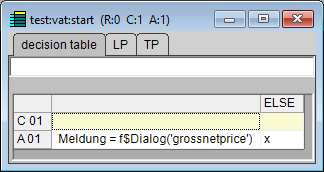
The DT contains the following command:
Meldung = f$Dialog(’GrossNetPrice’)
The decision table must then appear as follows:
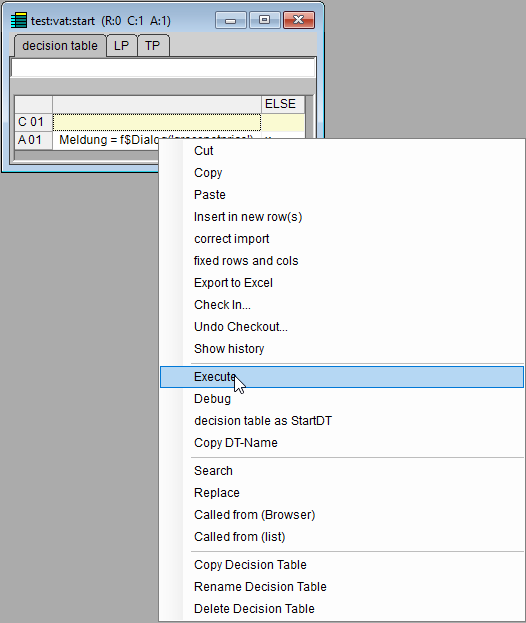
The example is executed with the function Execute in the context menu of this decision table.
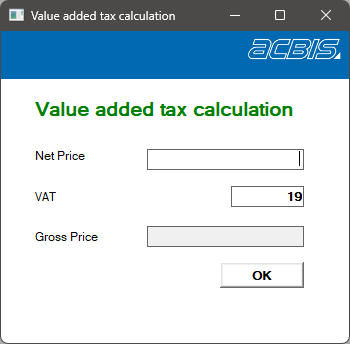
The result looks like this: