
Dialog options
Dialog options
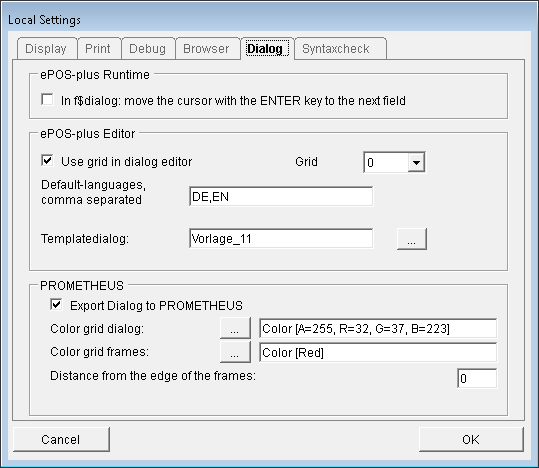
in f$Dialog move the cursor to the next field with the Enter key.
Move dialog elements as a rectangle When dragging dialog elements in the dialog editor, they are displayed only as rectangles. This option is especially useful when dialog elements are dragged onto groups or a tab.
The list of languages that a new dialog should contain can be entered here.
Select a template dialog. The template dialog controls the appearance of newly created dialogs. Furthermore, the appearance of all newly inserted dialog elements is controlled by the template dialog.