
Execute
Execute
Start the decision table execution. The currently configured start-DT is opened. (Configuration in the menu -> Window -> Start-DT List)
Button: 
Before the execution, the program will ask whether to save any unsaved data.
Parameter tables and parameter groups must be saved beforehand for the changes to take effect.
After complex changes, a compound verification should be performed before the execution, to ensure that the decision tables to not contain any typing errors.
If an error occurs during the execution of the rule-based controls, the execution is terminated and the following window appears:
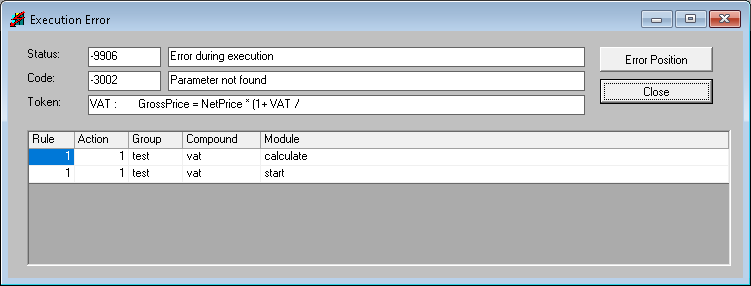
By double-clicking a row, the respective decision table is opened.
This function can be found in the "Execute" menu.