
Activation of Version Control in the ePOS Settings
Activation of Version Control in the ePOS Settings
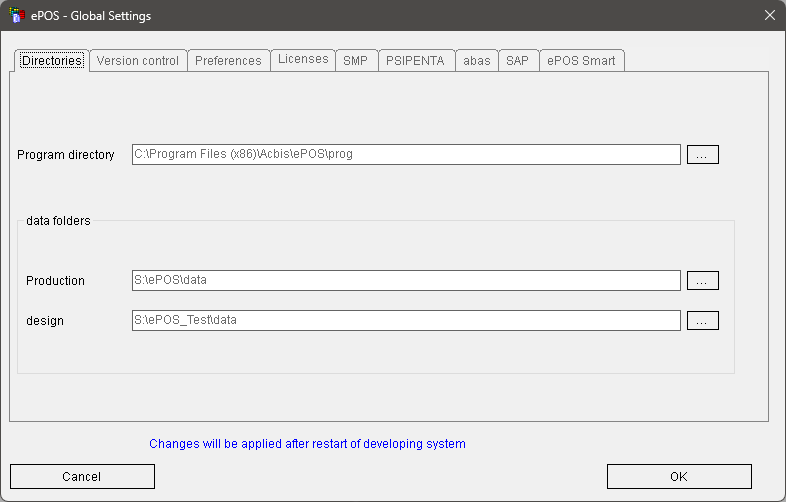
In the ePOS settings, which can also be started from the ePOS development system, there are two more entries in the directories section:
·Development system directory: directory in which the ePOS processes (run-time system) run for test purposes
·Data directory for individual templates.
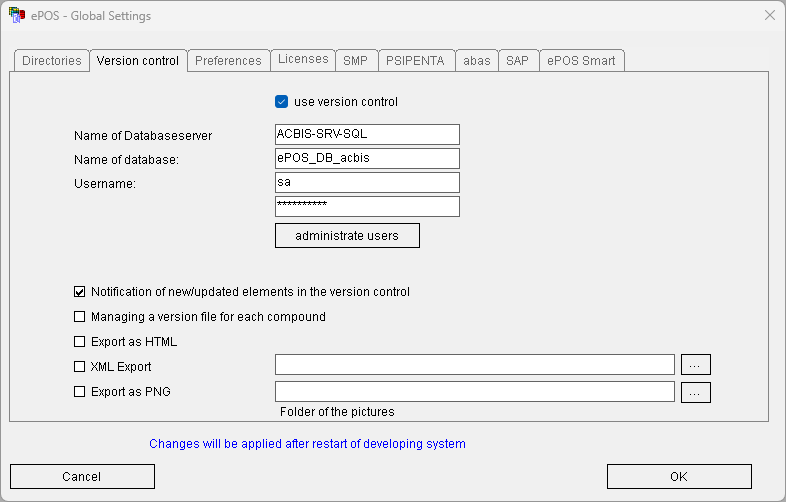
The association to the database is set up in the "Version Control" tab.
Version control is activated with the "Use version control" switch.
It is still possible to work without version control.
The first user that starts the program "ePOS Settings" after the installation of ePOS 8.0 will automatically be registered as an administrator with the appropriate permissions. If a user that isn’t registered as an administrator starts the program "ePOS Settings", the button "administrate users" is deactivated.
Selecting this button allows the management of which users are allowed to use the ePOS development system with the permission to check-out controls from the database for editing.
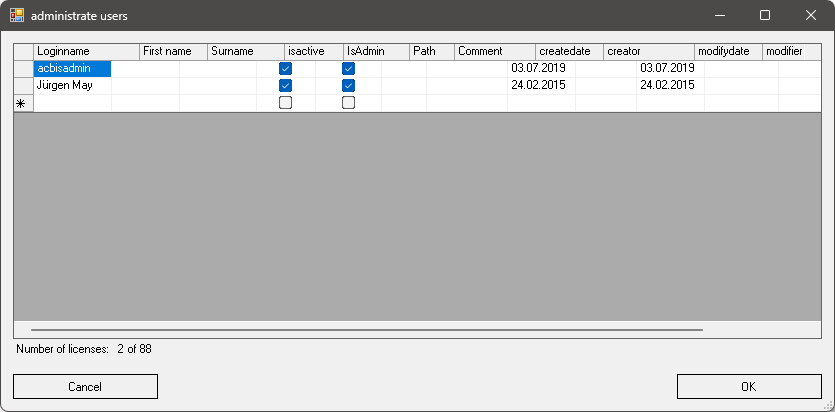
The login name is the Windows username. If a path is entered, this path is used instead of the default path for the working directory for editing controls. The number of the users is limited by the number of licenses.