
Skip table of contents

Context Menu of the Parameter Table


Context Menu of the Parameter Table

After highlighting one or more parameter lines (clicking on the gray field of the line number or moving the mouse with pressed left mouse button across several lines ) a context menu is available by right clicking:
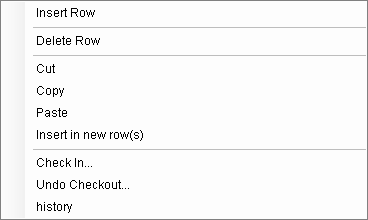
pt_editor_context.png

See also:

Insert Line (PT Editor)

Delete Row (PT Editor)

Cutting (PT Editor)

Copying (PT Editor)

Insert (PT Editor)

Sorting (PT Editor)

JavaScript errors detected

Please note, these errors can depend on your browser setup.

If this problem persists, please contact our support.