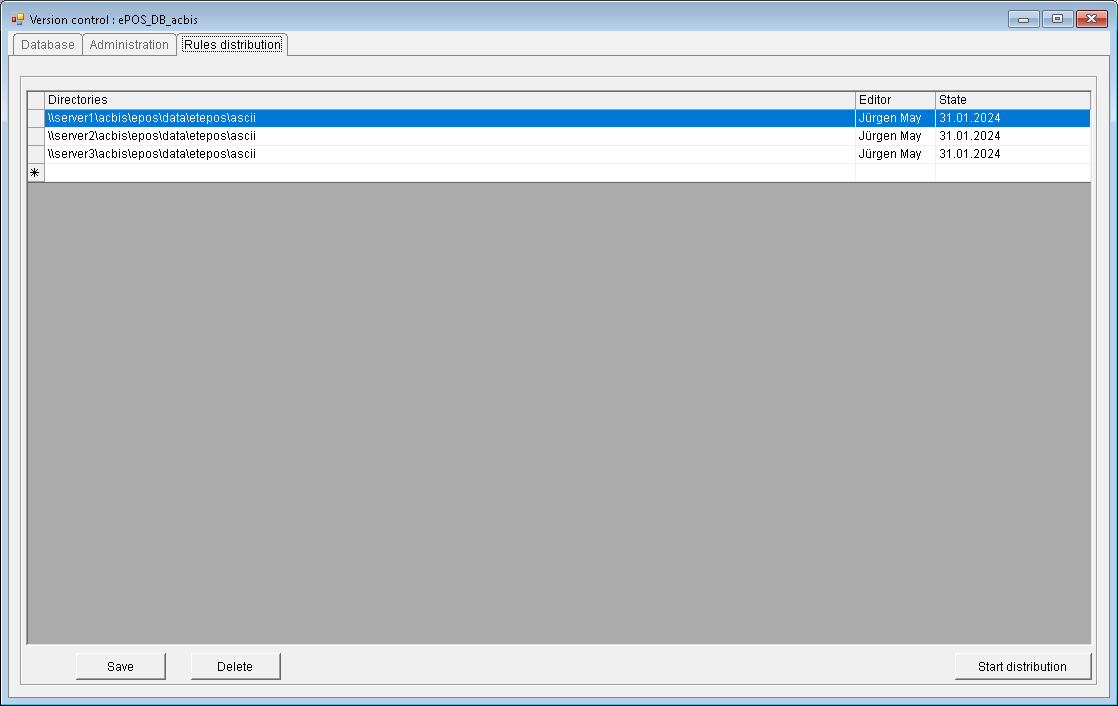
Controls Distribution tab
Controls Distribution tab
If there are multiple servers in the network that store local copies of the controls, this tab allows you to distribute the completed and tested controls. The paths of all affected servers are displayed and edited in the table. With the "Save" button, these paths are stored in the database. With the "Delete" button, the active row is deleted.
With the "Start distribution" button, the distribution of the controls is executed. Warning: Depending on the number of directories and size of the controls, this can take several minutes.