
f$Stacksize
f$Stacksize
Read the current stack size. Depending on the number of arguments, decision tables can be processed up to a stack size of approx. 400. If this size is exceeded, it usually means that the rule-based controls have been made incorrectly. You can use this function to individually check under which conditions this is the case.
A further possibility for diagnosing errors is to set the value for logging calls to –1 under the Settings tab in the ePOS settings.
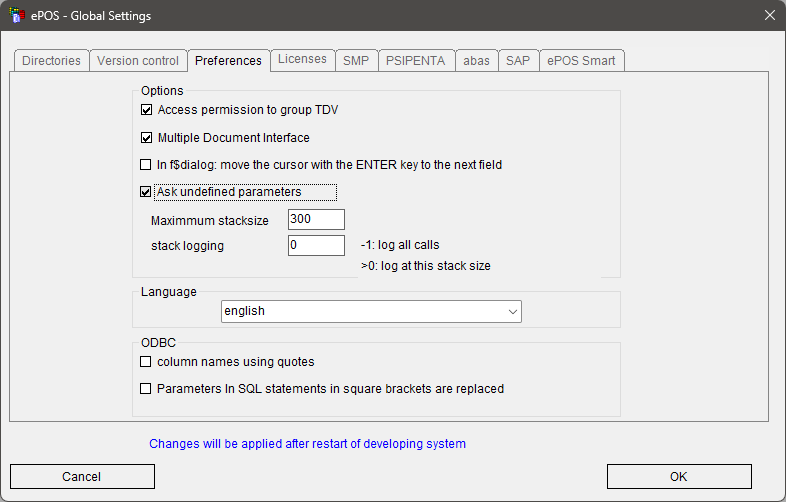
With this setting, a log file with the name ePOS_%USERNAME%_date_time.log is created in %TEMP% and all decision table calls are logged.
Syntax: | Size = f$Stacksize() | |
Result: | Integer | Current stack size |