
Manage the configurations
Manage the configurations
After selecting the menu item Configuration Wizard, the dialog for selecting and creating the configurations appears.
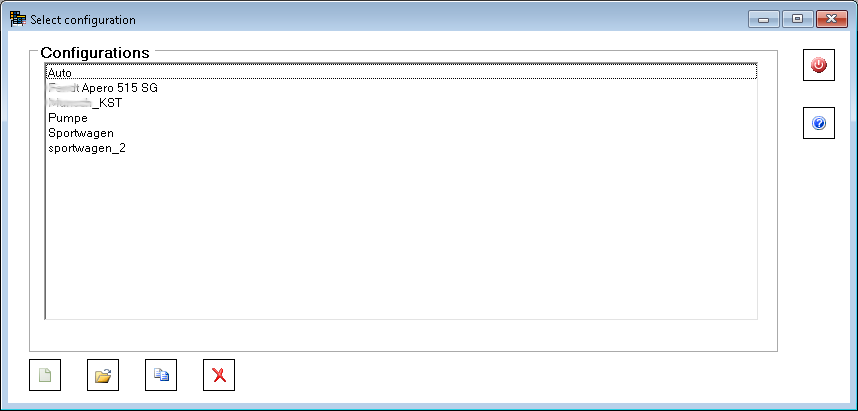
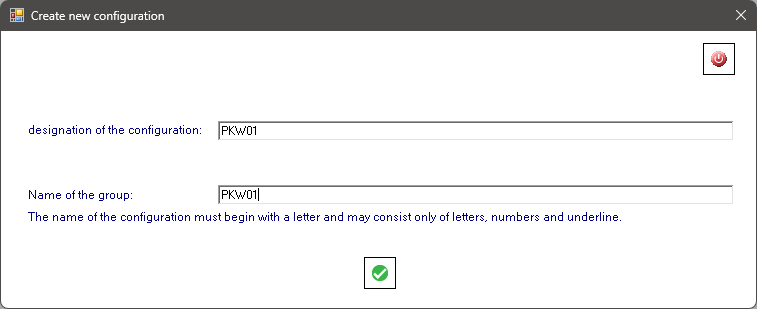
Use the button  to create a new configuration. The configuration is given a name which must start with a letter and consist only of letters, numbers and the underline. For better illustration, the configuration is given a designation which is not restricted.
The button  opens the configuration for editing.
Use the button  to copy a configuration. The name and designation are reassigned.
Use the button  to delete the selected configuration.
.