
Structure dialogs
Structure dialogs
Structure dialogs assist in presenting and editing product structures in a graphical form. Text and buttons for selecting components and forwarding to other structures are depicted in a structure dialog. The elements can receive relationships to any other elements. You can open dialogs in either a mode for maintaining structures or a mode for editing the structures.
Typical dialog maintenance:
Open the dialog and create all elements and links with a set of rules that gets the data required from a database. Nodes can be modified and new ones recorded with functions from a maintenance dialog.
You can delete nodes or links by selecting them and pressing the DEL key. Links can be entered by right-clicking two nodes. To move nodes, left-click on the node and move it while holding down the mouse button.
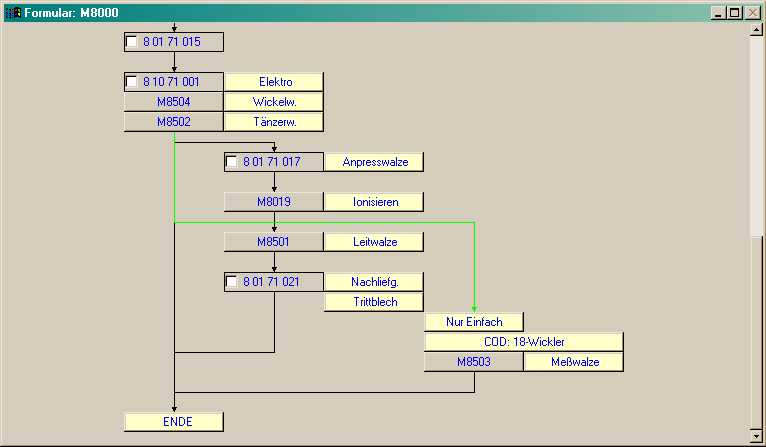
.
If the structure dialog is opened with the order 0 (runtime components), nodes or links are presented in the (changeable) selection color when they are selected. If the selected node succeeds the last selected node, the link between the two nodes is also selected.
See also: